Demo websites
Seven businesses, seven very different websites
Each of these is a complete website built with CubeSites, with its own brand, layout and pages. Each opens its own way: a photograph behind the words, a type-led page with the picture below, a photograph to the edge of the screen, a centred logo over the hero. Open them, try the calculators, filters and forms, and look at them on your phone. They are demonstrations, not real businesses.
Online shop
CubeRoastery
Speciality coffee and tea roaster
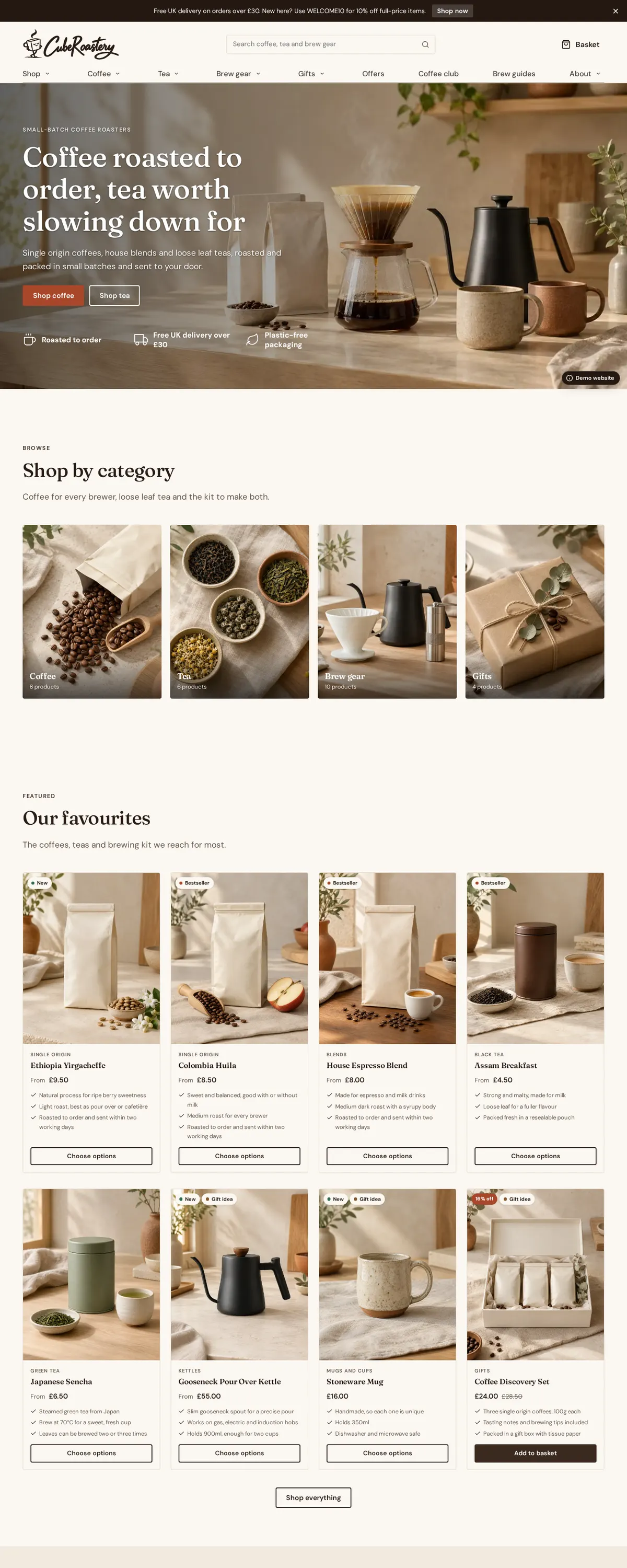
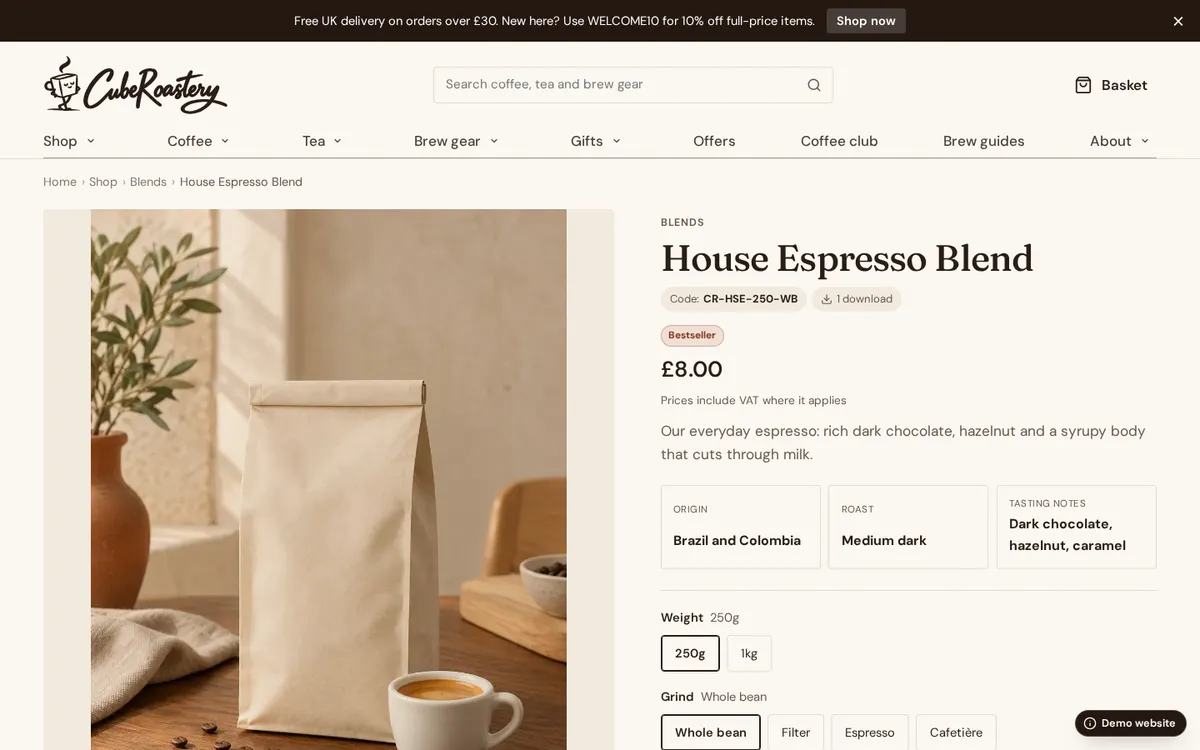
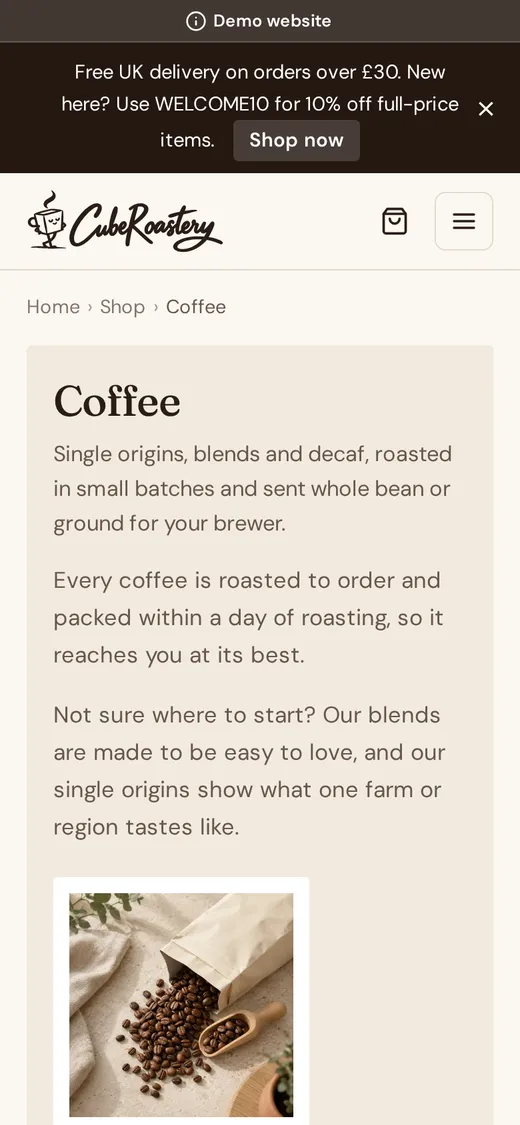
CubeRoastery sells coffee by weight and grind, loose leaf tea, brewing kit and gift sets. Visitors filter by origin and roast, choose a grind, add a gift message and pay on the website itself, with delivery, collection and a same-day dispatch time worked out for them.
What it shows
Pages to look at
Stacked header, columns footer · Fraunces and DM Sans · A demonstration website, not a real business
Professional services
CubeLedger
Accountants and tax advisers
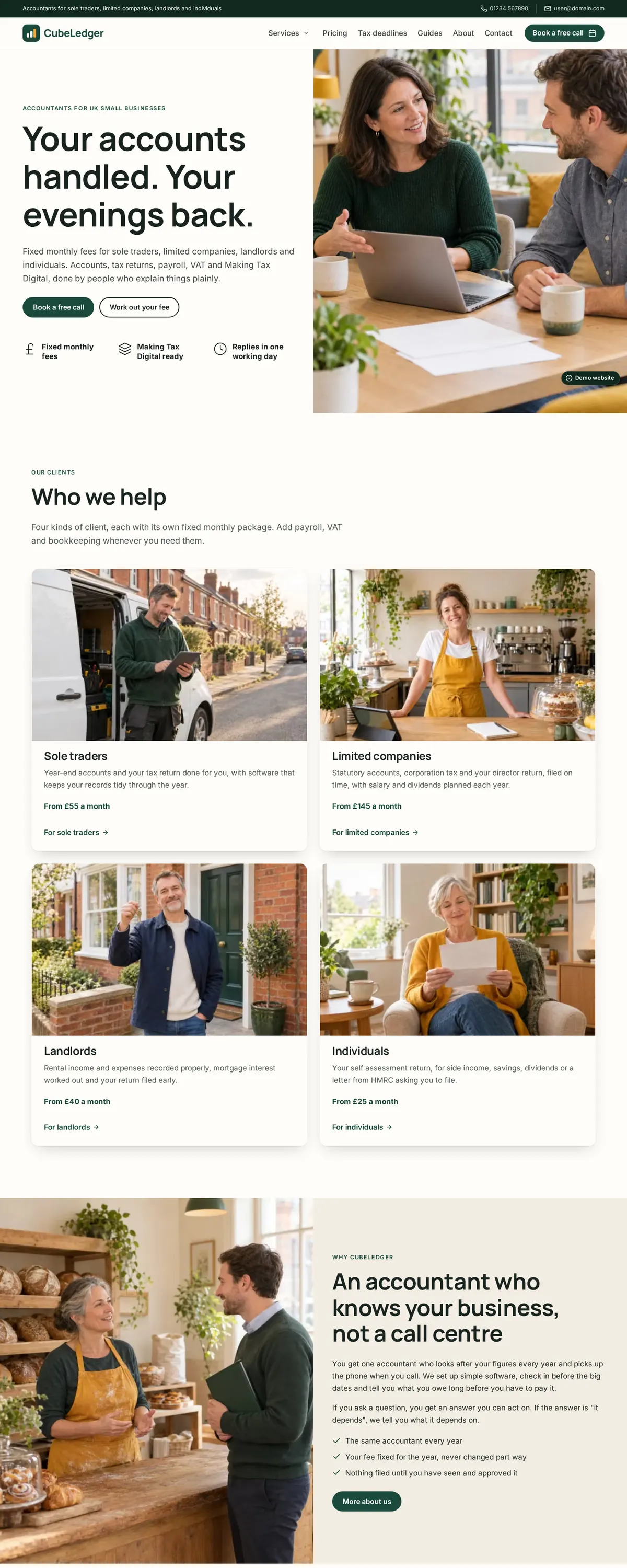
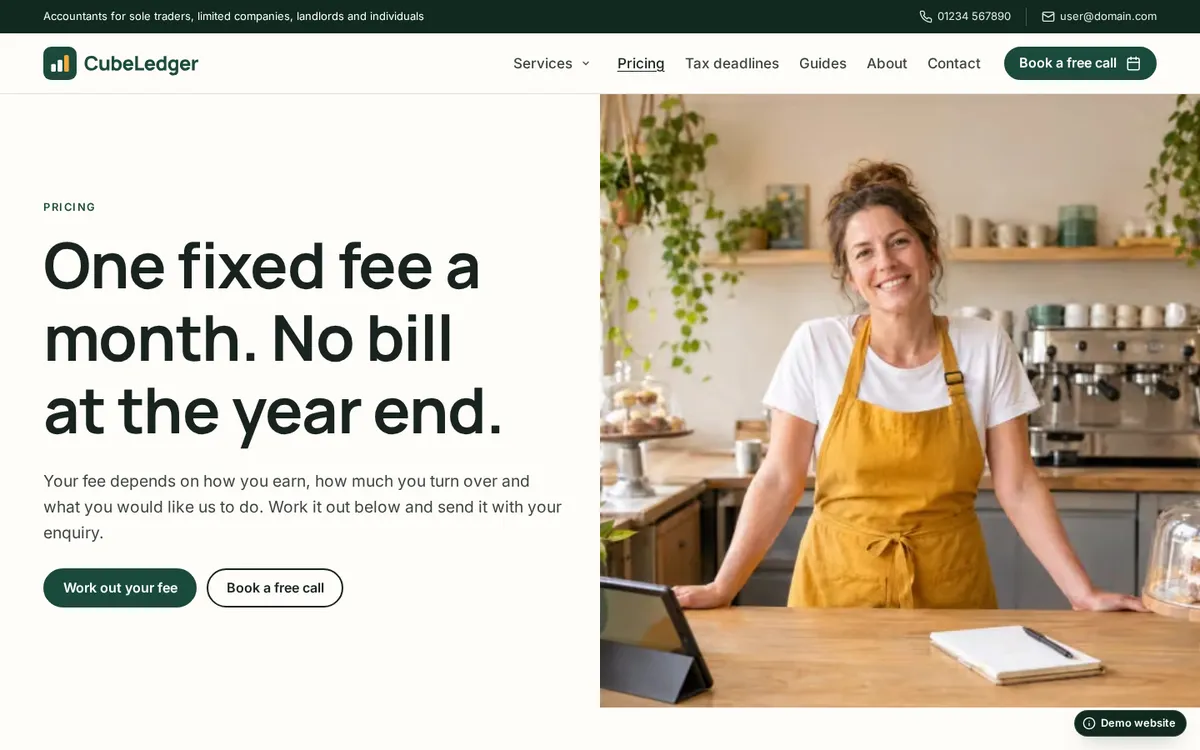
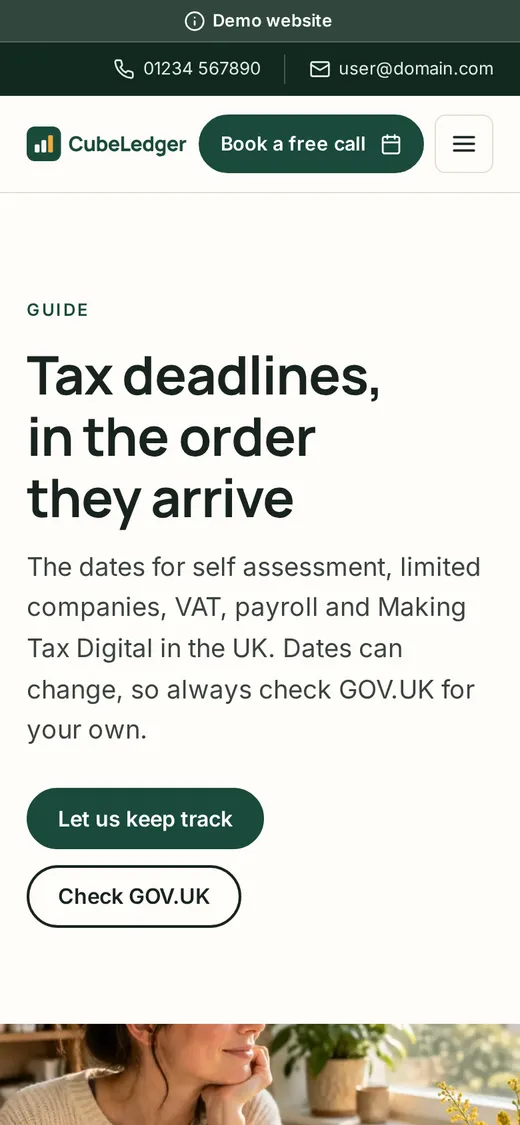
CubeLedger opens with a photograph running to the edge of the screen and three plain promises. Sole traders, limited companies, landlords and individuals each get their own large photo card, packages lead with the price, and the full fee calculator on the pricing page sends its estimate with the enquiry. Tax deadlines are set out as a timeline with a countdown to the next self assessment date.
What it shows
- A fee calculator that sends its estimate with the enquiry
- Tabs for each kind of client
- The tax year as a timeline, with a deadline notice
- Packages with a monthly and yearly switch and a comparison
- A photograph to the edge of the screen and a services panel menu
- Insights on the blog
Pages to look at
Header with a top bar and services panel, columns footer · Manrope and Inter · A demonstration website, not a real business
Healthcare
CubeClinic
A private GP and physiotherapy clinic
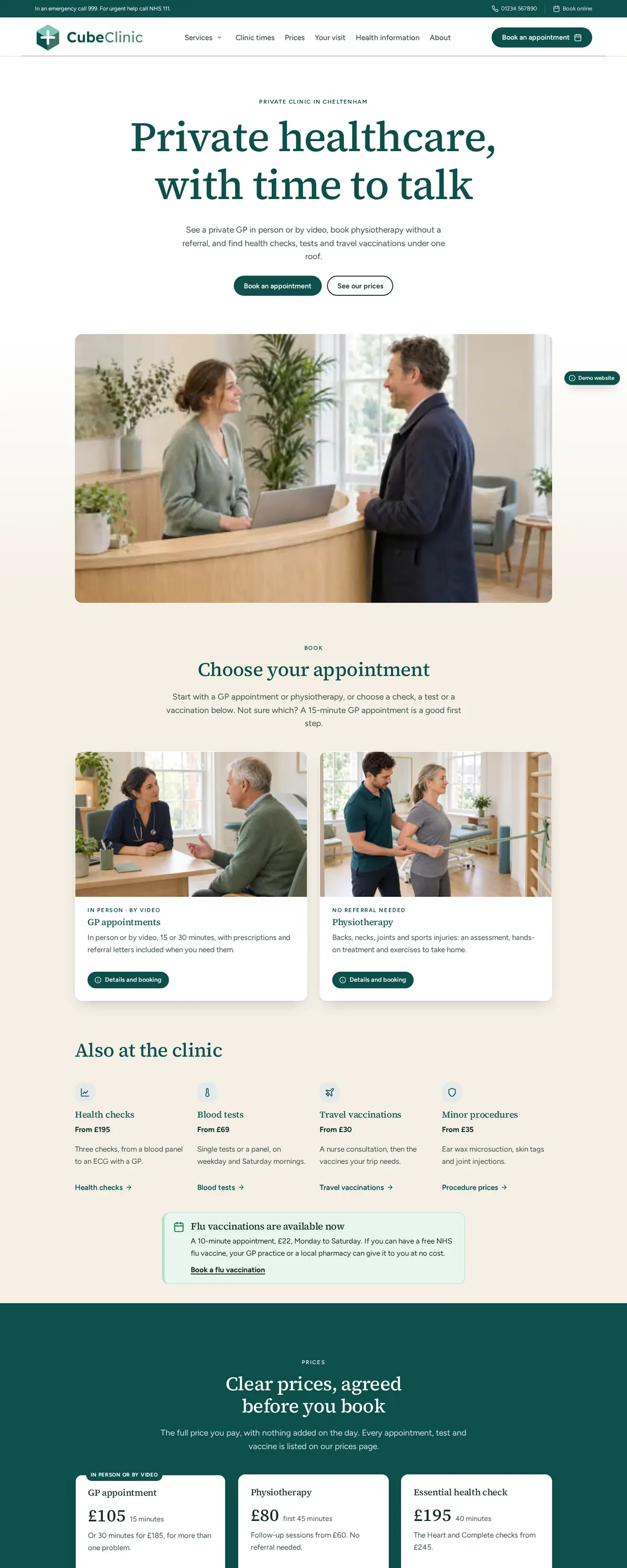
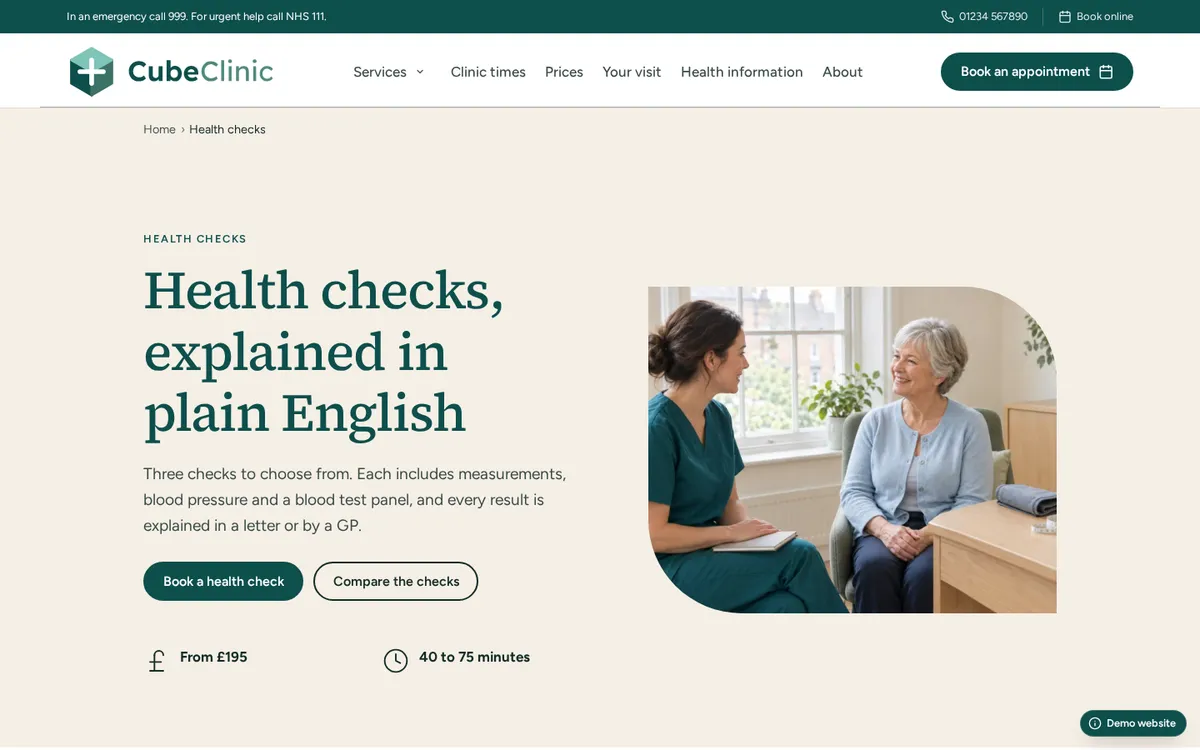
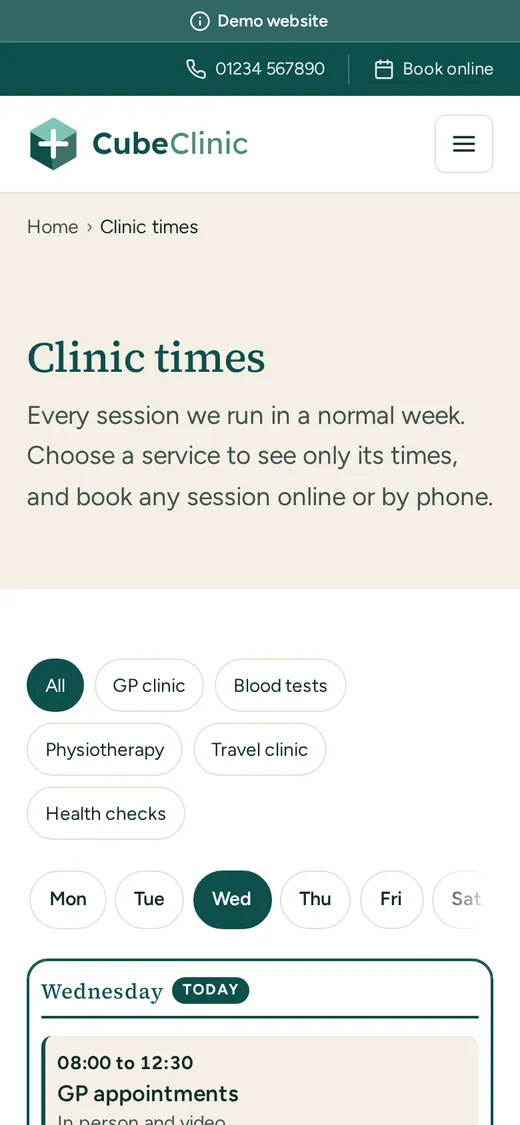
CubeClinic opens with a large serif headline and a wide photograph of the reception, then lets people choose their appointment: GP and physiotherapy as two large cards, everything else beneath. Prices sit on one deep teal band, the week’s clinics are a timetable people can filter by service, and the booking form only offers weekday dates. The top bar and every booking band say when to call 999 or NHS 111 instead.
What it shows
- Live opening hours: open now, or when it opens next
- Clinic sessions as a timetable with filters
- Seasonal notices that switch themselves off
- A booking form with a date picker for weekdays
- Prices and a comparison of health checks
- Health information on the blog
Pages to look at
Header with a top bar, columns footer · Source Serif 4 and Figtree · A demonstration website, not a real business
Fitness studio
CubeFit
A strength and conditioning studio
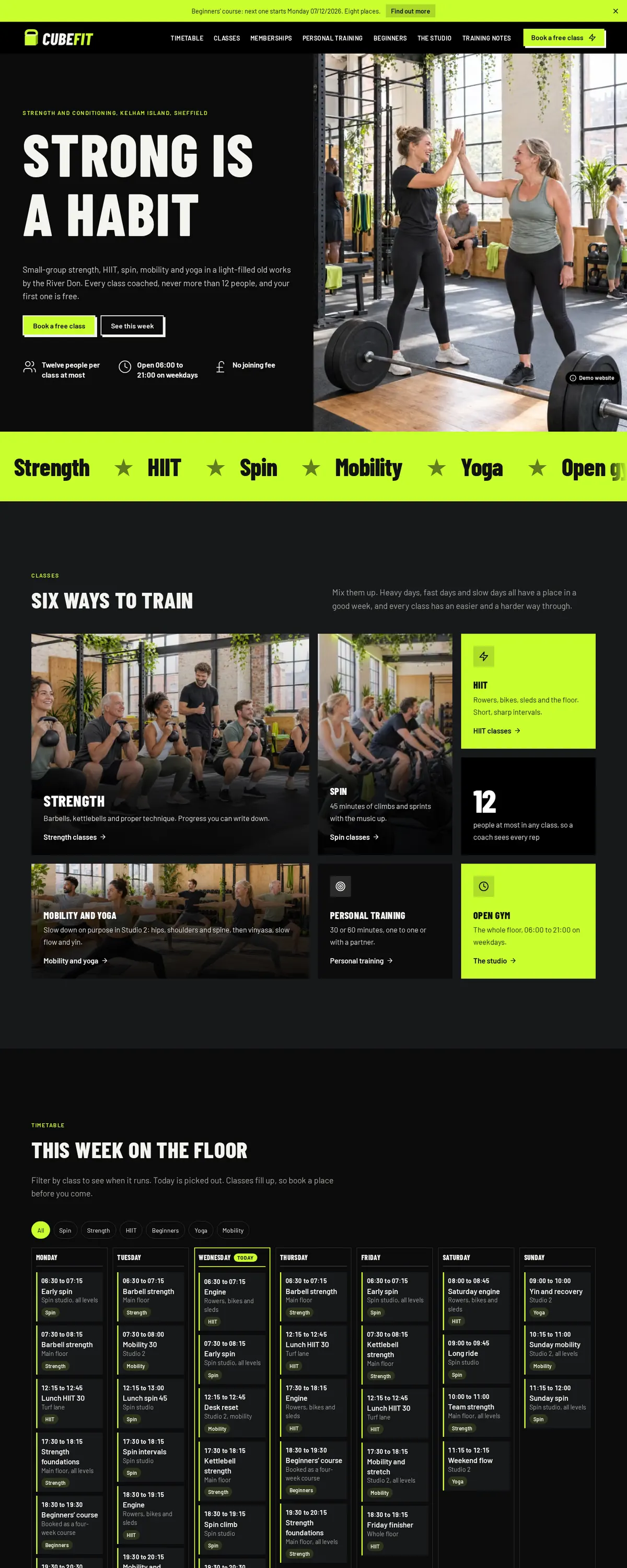
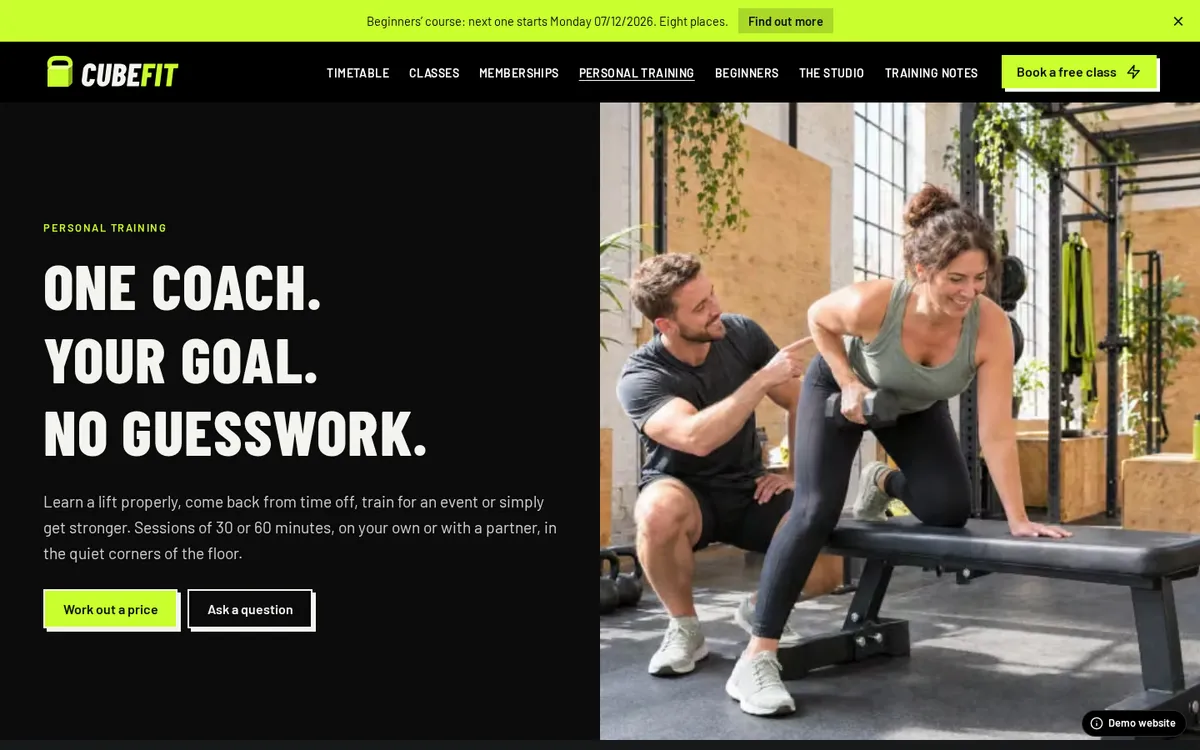
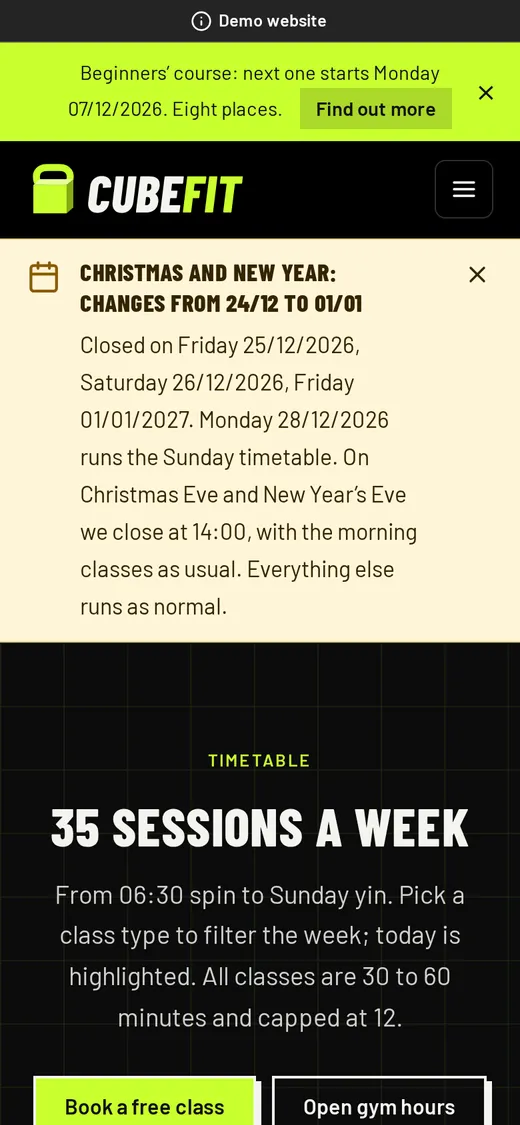
CubeFit looks like a gym poster: lime on near-black and condensed capitals, set against bright photographs of people training and enjoying it. The home page tells the story in order: classes, the week’s timetable, memberships that switch between monthly and yearly, the beginners’ course and a look round the studio. A countdown leads to the next course, and a calculator prices a block of personal training sessions.
What it shows
- Scrolling strips of words, still for reduced motion
- A weekly timetable with class filters and today marked
- A bento grid of class types
- Memberships with a monthly and yearly switch
- A countdown to the next course start
- A free class form with a date picker
Pages to look at
Dark header, minimal footer · Barlow Condensed and Barlow · A demonstration website, not a real business
Product catalogue
CubeTimber
Garden rooms and garden offices, built to order
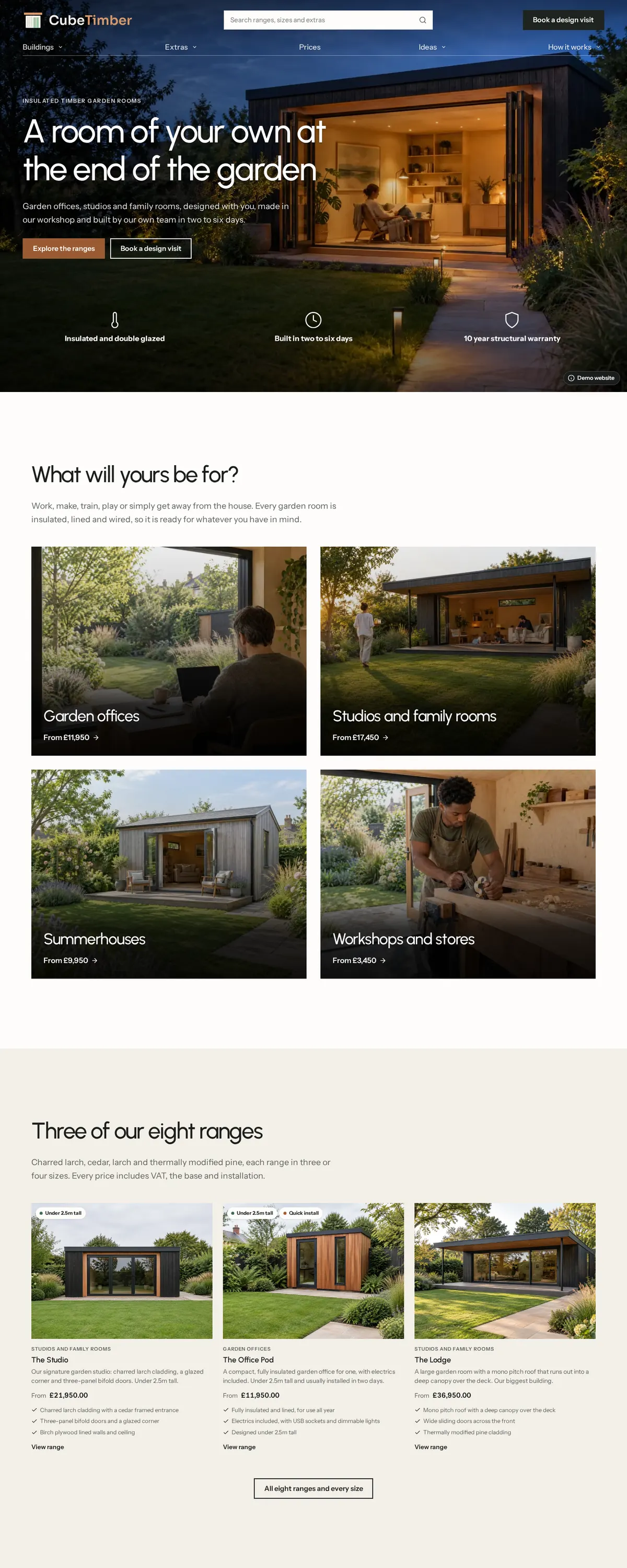
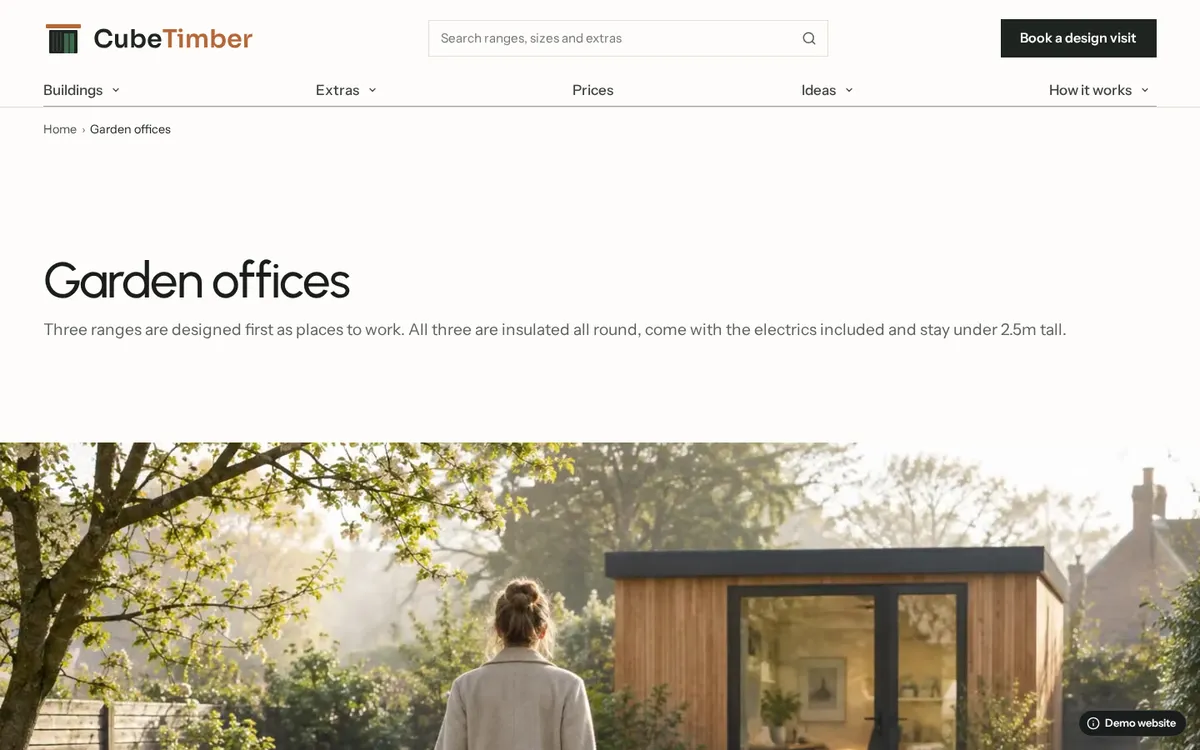
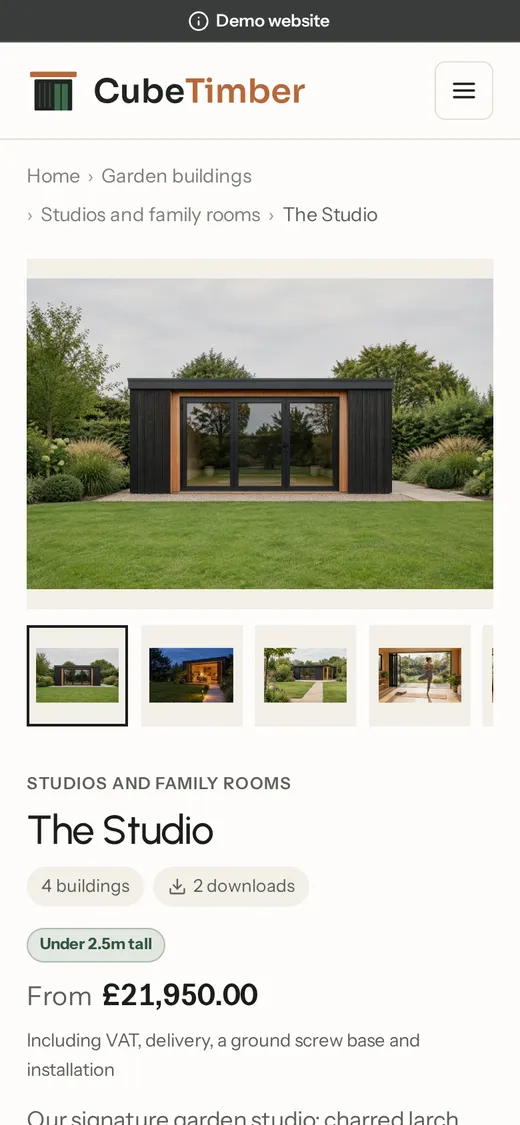
CubeTimber opens on a full-screen evening photograph under a see-through header with product search, then asks what your room will be for. Every building has its sizes in a table with prices, floor plans and a brochure to download, and a prices page groups every size by floor area. Visitors filter by size, use and finish, then ask for a quote that already names the building they were looking at.
What it shows
Pages to look at
Header over the photograph with search and a picture menu, columns footer · Urbanist and Instrument Sans · A demonstration website, not a real business

Local services
CubeHeating
Heating, boilers and plumbing across a county
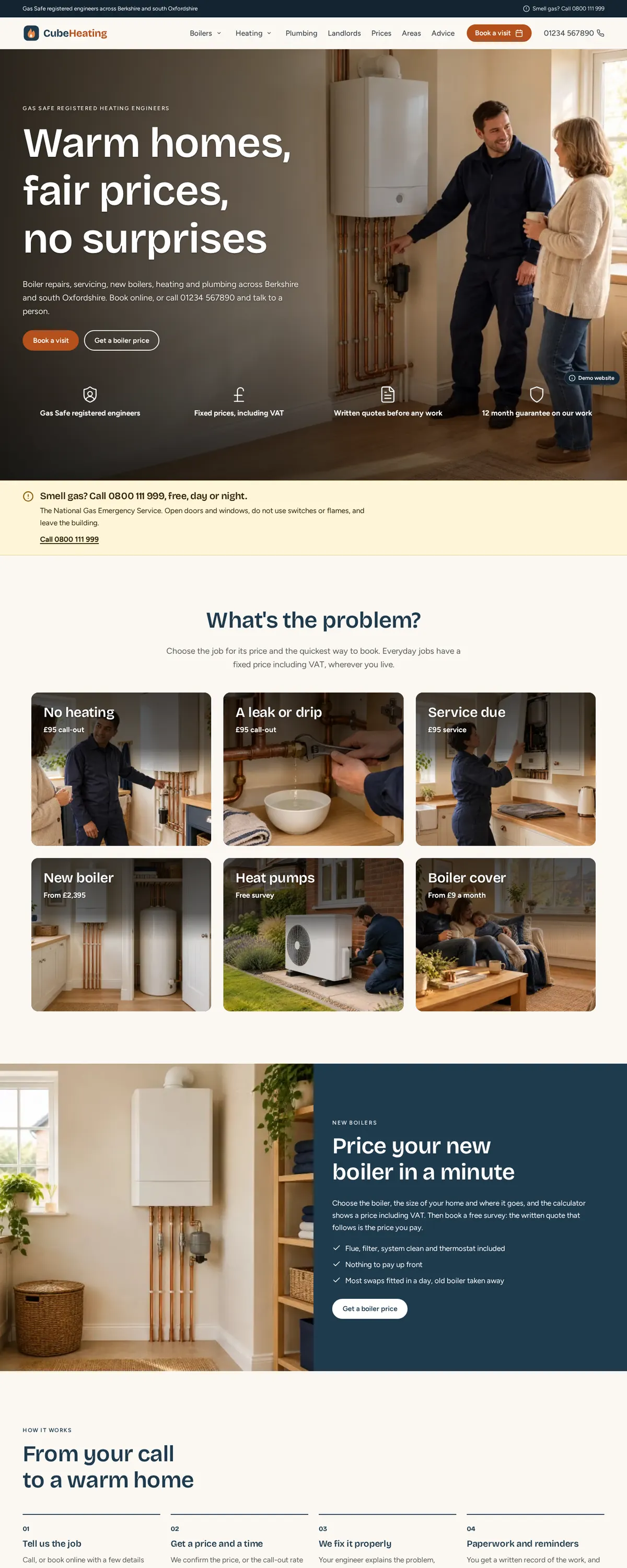
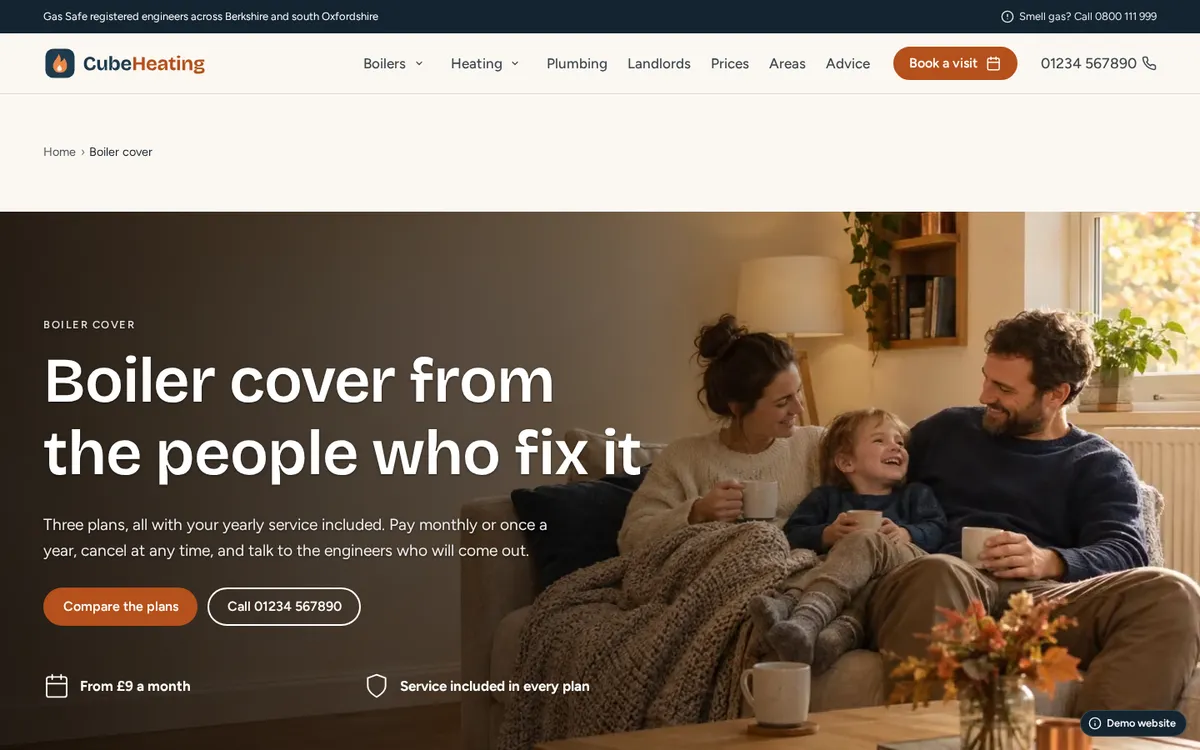
CubeHeating opens with an engineer at work behind the words, the trust points along the bottom and the gas emergency number just beneath. Visitors pick their problem from six large photo tiles, each with a price, and a calculator estimates a new boiler and carries the figure into the booking form. Ten towns and five services make fifty local pages from one pattern page.
What it shows
- 50 local pages, one for every service in every town
- A boiler price calculator that feeds the booking form
- Cover plans with a monthly and yearly switch
- An urgent notice band and live opening hours
- A photo behind the opening words, with its darkness chosen
- Safety advice on the blog
Pages to look at
Sticky header with a call and book button, columns footer · Bricolage Grotesque and Figtree · A demonstration website, not a real business
Venue and events
CubeBarn
A restored barn for weddings, celebrations and events
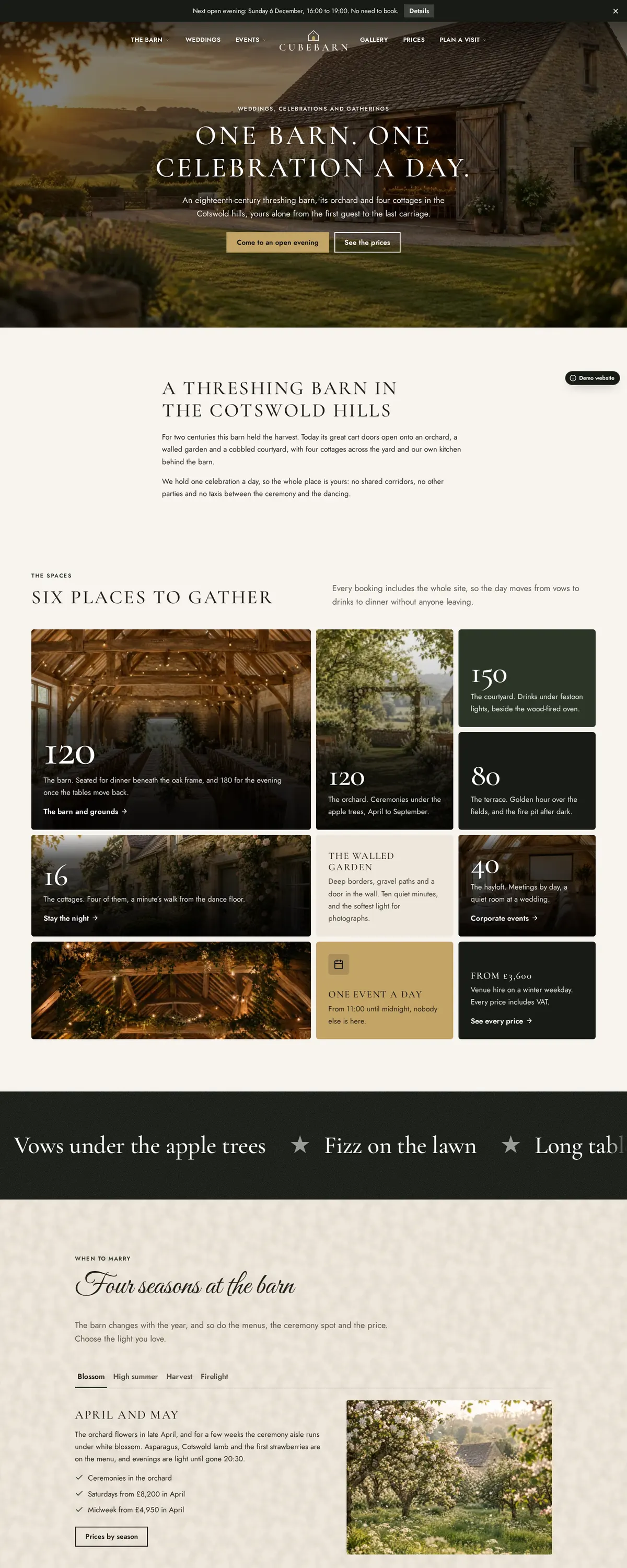
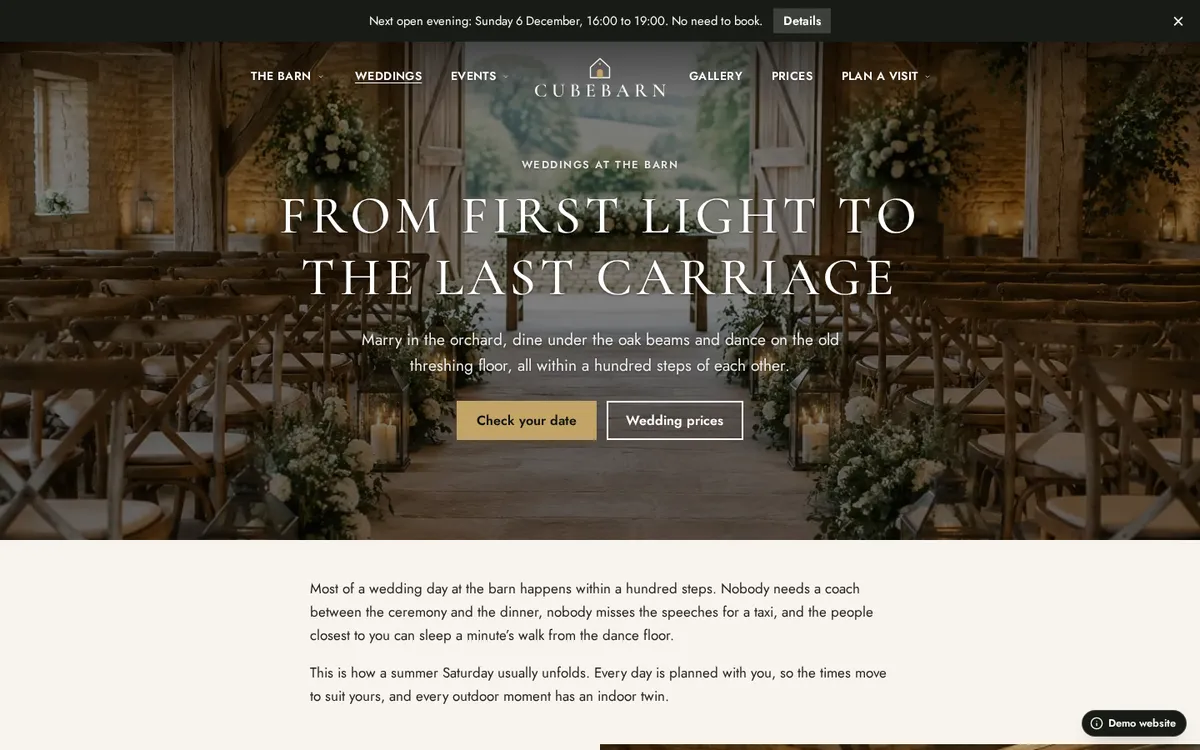
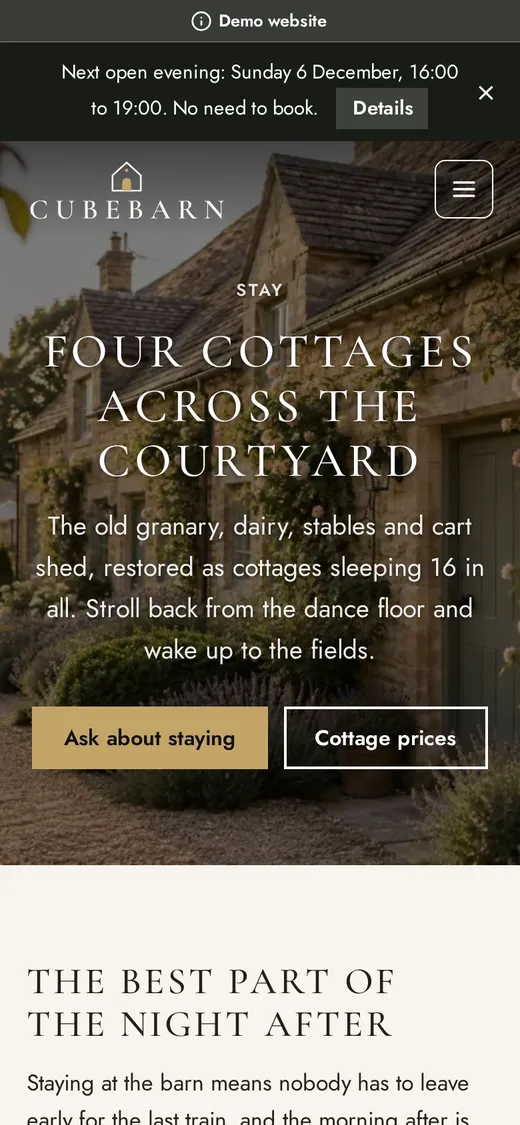
CubeBarn puts a centred header over its photographs and tells its story with pictures running to the edge of the screen beside the words. A bento shows each space with its capacity, tabs walk through the seasons, the wedding day is told hour by hour, and prices are set out by season. The enquiry form only accepts dates after today.
What it shows
- A centred header over full-bleed photography
- A bento of spaces and tabs by season
- A gallery with filters and a lightbox
- The day as a timeline, prices by season
- A countdown to the next open evening
- An enquiry form with date and guest numbers
Pages to look at
Centred header over photographs, statement footer · Cormorant Garamond and Jost · A demonstration website, not a real business
Your turn
Everything in these websites is in the editor
The same blocks, catalogue, shop, forms and themes are there when you start your own website. Begin from a template or an AI draft and change anything on the page.